
Claude can now build apps you install on your computer
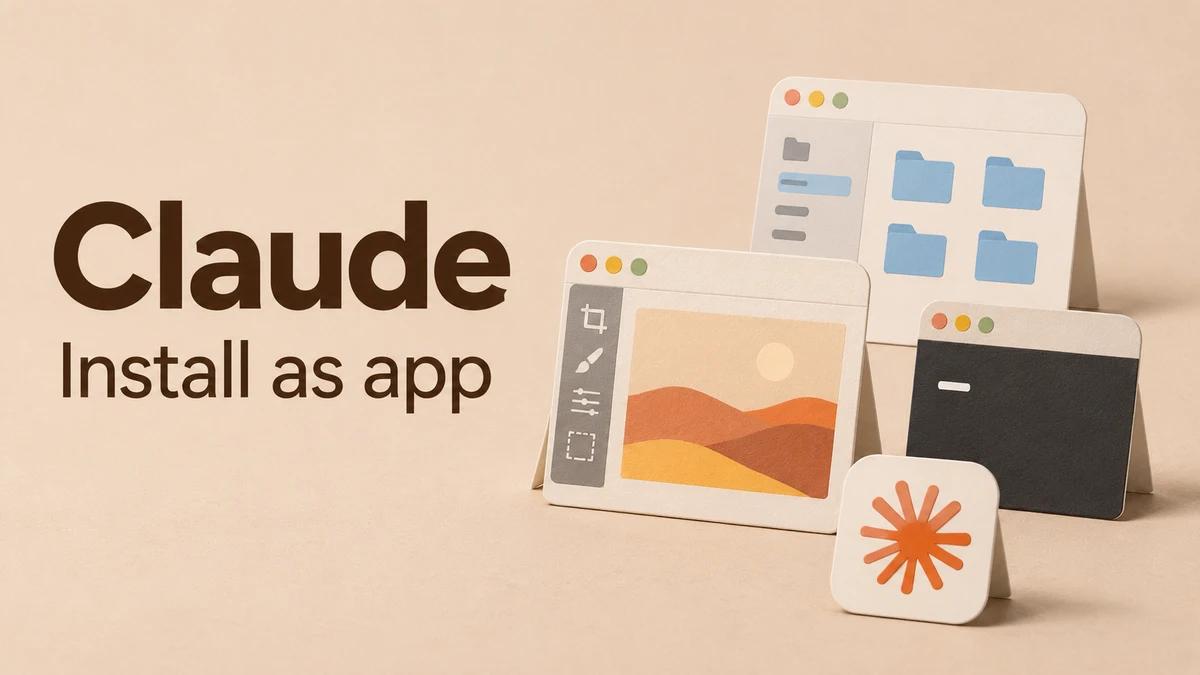
On November 24, 2026, Anthropic introduced a Claude feature that lets you build your own apps through a conversation with AI and install them directly on a Mac or Windows PC. The apps can work with the operating system, use AI, and connect to other services. You can build one without writing code yourself.
In brief
- Describe the app you want and let Claude build it.
- Install it directly on a Mac or Windows PC.
- Installed apps get their own icons and windows, along with access to operating system features you approve.
- You can build in AI, data storage, and connections to other services.
- Changes you make with Claude automatically update the installed app.
- The feature is rolling out in beta across Claude plans, including Free.
From conversation to a working app
The feature is called Install as app. It builds on Artifacts, which lets you create websites, interactive tools, visualizations, and apps directly in a Claude conversation.
Previously, people mainly used these apps inside Claude or in a browser. Now they can install them on a computer and open them in their own windows, like other desktop apps.
Describe what the app should do, how it should look, and which features you need. Claude writes the code, and you can try the app and make changes in the conversation. When you are happy with it, open the menu in Claude Desktop, choose “Install as app,” and confirm the installation.
Claude handles the installation. You can share the app without setting up a development environment or packaging it yourself.
Claude asks for confirmation before installing the space debris tracker. Image from Anthropic’s demo.
Apps Anthropic has already built
Anthropic employees built several apps to demonstrate the feature.
- Linnet: An image editor with support for layers.
- Phosphor: A visual file manager for navigating files and folders.
- Sift: An app that uses AI to organize files based on rules you define.
- Tern: A terminal with built-in AI that can help with commands and explain what they do.
- Vitals: An app that shows how your computer is performing from the menu bar or system tray.
The examples range from small utilities to full editing tools.
A retro desktop brings together several of the apps Anthropic built. Image from Anthropic.
See more apps built by Anthropic.
Apps can work with your computer
With the necessary permissions, an app can read, change, and organize local files, open other programs, send notifications, respond to keyboard shortcuts, or display information in the Mac menu bar or Windows system tray.
A photographer could build a tool to organize photos, rename files, read image metadata, and convert images to different formats. A business could build a tool to sort incoming documents, process information, and notify staff when something needs attention.
The apps can be built around a specific task or workflow.
You can build AI into the apps
Apps can use Claude to carry out tasks as part of their own features. An app that organizes photos, for example, might use code to move and rename files and ask Claude to analyze the images and suggest categories.
On paid plans, apps can also store data and communicate with external services using what Anthropic calls connectors. That allows you to build apps that pull information from email, calendars, and other connected systems.
The app uses your existing Claude account. Requests to Claude count toward your plan’s usage limits.
You decide what the apps can access
Anthropic offers three permission levels.
- Default gives the app roughly the same capabilities as a regular website.
- App permissions let the app ask to use selected features such as notifications, keyboard shortcuts, and the menu bar.
- Full access lets the app open other programs and read, change, or delete local files.
Anthropic does not review apps before installation. Permissions apply to one version of an app, so Claude asks for approval again after an update. You can grant full access to apps you built yourself. On Team and Enterprise, you can also grant it to apps built by others in your organization.
The apps still rely on Claude
The apps install and open like other desktop software, while the underlying artifact stays linked to Claude. You need an internet connection and must be signed in to Claude Desktop to open an app.
Claude Code and Codex can also build standalone apps that you can distribute and use independently of an AI service. “Install as app” gives a Claude artifact its own window and icon while keeping it connected to Claude.
The beta is rolling out in Claude Desktop for Mac and Windows. On Enterprise, an owner must enable it. Some artifacts, including Claude Docs, Slides, and Sheets, cannot currently be installed.
An alternative to buying ready-made software
Individuals and businesses have traditionally looked for existing software that meets their needs, adapted their workflows to fit it, or paid someone to develop a custom tool.
AI is making it easier to build software around the way people want to work.
A business might make its own tools for purchasing, logistics, customer support, or document management. An individual could build an app for photography, personal finances, planning, or another interest.
As needs change, you can describe the changes to Claude, and they flow through to the installed app.
For many smaller tools, this could offer an alternative to buying software or paying for separate subscriptions. How large and complex the apps can get in practice remains an open question.