
OpenAI Images 2.6 with GIFs, SVG and more precise editing
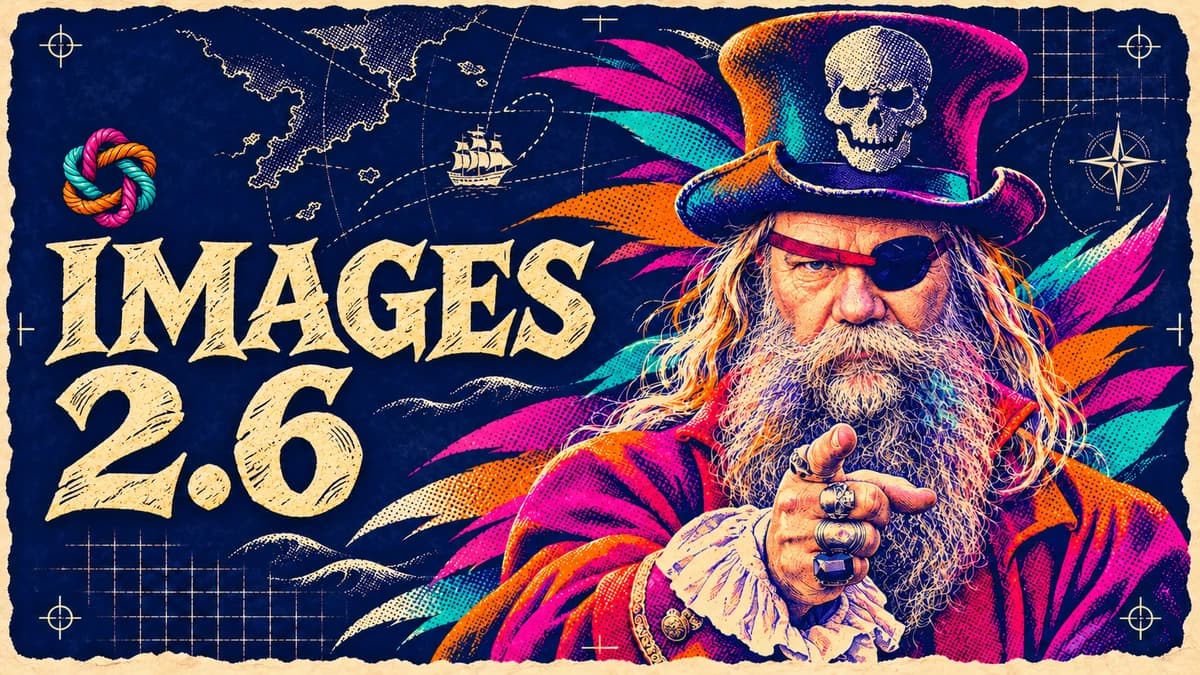
OpenAI has released Images 2.6, a new generation of AI image models designed to generate images faster and preserve important details during editing. Animated GIFs are rolling out gradually in ChatGPT, which also gains saved reference images. Developers, designers and other creatives can export editable SVG graphics through the API.
The update launched on November 4, 2026, and is available in ChatGPT, Codex and through OpenAI's API. The company says image generation is now 50 percent faster. The models are also designed to preserve details better across several rounds of edits.
That last point matters. Small edits to AI-generated images can have unintended effects. You ask the model to change the background of a product photo and find that the product has changed shape, the label reads differently or the lighting no longer looks right.
Images 2.6 is meant to reduce those problems and make AI image generation more useful in design, marketing, photography and digital product development.
The scale is already substantial. OpenAI says people now generate about four billion images a week through ChatGPT, Codex and the API. That's more than half a billion images a day.
Two new image models with different strengths
OpenAI is releasing two models for developers, GPT-Image-2.6 Flare and GPT-Image-2.6 Sunburst.
Flare is optimized for speed. It suits quick drafts, testing ideas and making small edits. According to OpenAI, Flare can generate an image in as little as six seconds at the lowest quality setting.
In OpenAI's demo, the travel ad took 7.08 seconds with GPT-Image-2.5 Flare and 4.84 seconds with GPT-Image-2.6 Flare. Both used the low quality setting. Source: OpenAI.
That can help when you're exploring different versions of a poster, product shots or visual concepts before choosing a direction.
Sunburst is designed for work where detail and consistency matter more. It handles more demanding compositions, higher quality settings and edits that need to preserve the subject's appearance through several changes.
Imagine you have a product photo of a watch. You want to try different backgrounds and lighting, but the watch itself must keep exactly the same design. That's the kind of task Sunburst is designed to handle better.
The choice depends on the job as well as the speed and image quality you need. Both models support the new animation, SVG and image editing features through the API.
The figures on speed and the claims about improved quality come from OpenAI and should be treated as the company's own findings pending independent confirmation.
ChatGPT can now make animated GIFs
One of the most visible changes in Images 2.6 is the ability to create animations.
A GIF is an image file that can hold several frames that play in sequence. This creates a short animation that usually repeats automatically. GIFs are used for reactions in messages, illustrations on websites and moving elements in social media posts.
With Images 2.6, you can describe an animation in plain language.
For example, you can ask ChatGPT to draw a cat sitting on a windowsill, turning its head toward the camera, blinking and returning to its starting position. The result can be a short animation that repeats in a continuous loop.
You can also start with a still image or a simple drawing and ask the model to animate it. In one demo, OpenAI turns a hand-drawn owl into an animated character.
The pen sketch OpenAI used as its starting point.
The owl animated with Images 2.6. Source: OpenAI.
How does the model make the animation?
The process starts with a sprite sheet. This is a larger image containing several frames, each showing a slightly different moment in the movement.
Think of a traditional cartoon. Draw a character in several different positions, then show the drawings quickly in sequence, and the character appears to move.
Images 2.6 can generate these frames, extract them from the sheet and assemble them into a GIF.
Through the API, developers can choose between two and sixteen frames and set how long each frame stays on screen. That controls both the length and the speed of the animation.
GIFs are short, silent animations that work particularly well for relatively simple movements. Larger scenes, longer sequences and complex camera moves still call for other video tools.
In ChatGPT, you can adjust the playback speed and share the animation. You can also ask for changes to a GIF that ChatGPT generated. According to OpenAI's documentation, uploading an existing animated GIF and editing it directly in the same way is currently unsupported.
You can save reference images and reuse them in new chats
Another addition is Saved Reference Images.
Previously, you often had to upload the same picture again to use it in another chat. Now you can save a picture as a named reference and call it up later.
For example, you can upload a picture of a dog, save it as “Max” and then write the following prompt.
Make a watercolor illustration of @Max sitting in a rowboat.
ChatGPT can use the saved image as a reference even when the new request comes from a different conversation.
This can be useful for people, pets, characters and other subjects you want to use repeatedly. It also makes it easier to create a series of illustrations or visual concepts featuring the same character.
A saved image serves as a visual reference each time you generate a new picture. The model uses the reference without training a separate model on the subject. The results can be more consistent, though some details may still vary.
Image markup makes edits more precise
Images 2.6 also makes it easier to show exactly what you want to change.
The feature is called image markup. You mark an area in an image and explain what the model should do there.
Imagine a photo of a room with a vase on a table. You want the vase to turn blue and everything else to stay as it is. You can draw a circle around the vase and tell the model to make it blue, saving you from having to describe its location.
You can also use markup to remove an object from a photograph, change the text on a sign or adjust a specific part of an illustration.
This type of markup was already available in ChatGPT and now comes to the API. Developers can send a separate marked-up image alongside the original and the editing instructions.
That makes it possible to build similar features into other apps and image editing tools.
You can combine a visual cue with a plain-language instruction. The mark shows where the edit should happen, and the text describes what should change.
OpenAI says the markings can be imprecise, and an edit can still affect areas outside the selection.
SVG gives you editable vector graphics
SVG support is another major addition for developers.
SVG stands for Scalable Vector Graphics. The format describes graphics using mathematical shapes, lines and curves in place of a fixed grid of pixels.
The difference is easiest to see when you enlarge an image.
A PNG or JPEG consists of pixels. Enlarge it far enough and it starts to lose sharpness. The shapes in an SVG stay sharp as you scale it from a small icon to a large illustration.
That makes SVG especially useful for logos, icons, illustrations and other graphics that need to work at several sizes.
You can also edit shapes and colors in software that supports vector graphics. For example, you can change a brand color without regenerating the entire illustration.
OpenAI's new API workflow generates a reference image first, then uses it to produce the SVG. The finished file contains vector elements you can edit individually, which matters if you plan to work on the graphic further.
For now, the SVG feature is part of image generation through the API. Images generated in ChatGPT do not automatically come with an editable SVG download. The format also suits some subjects better than others. Pixel-based formats are usually a better fit for photographs and highly detailed, realistic scenes.
Developers can control how much the model plans
OpenAI has added an API setting called complexity.
It controls how much the model plans and considers the request before generating or editing an image.
There are three levels: low, medium and high.
A simple edit like changing a background color usually needs little planning. Low complexity can return a result faster in these cases.
More planning can help with a detailed infographic that needs to fit many elements, text and charts into specific positions.
The API has a separate quality setting.
Quality controls how much visual detail the image retains. Complexity controls how much the model plans before making the image.
A simple task can call for high image quality with little planning. A complex illustration may benefit from more planning even at a lower quality setting.
OpenAI recommends low complexity for most straightforward edits and medium or high complexity when the image has to meet many requirements at once.
More planning can take longer and sometimes introduce unwanted changes. OpenAI cautions that the higher settings won't always improve the result.
Watch OpenAI's technical demo of GPT-Image-2.6 with Flare and Sunburst.
What does this mean for making images in practice?
The biggest change in Images 2.6 is how much of the work you can do in one workflow, from the first image to the file you'll use.
A designer can start with an idea for an illustration, generate several quick drafts, choose one and mark specific details to change. The finished illustration can then be used as an SVG in a website or app.
A marketing team can start with a product photo, try different settings and lighting, then create a short animation for a campaign.
A developer can integrate these features into software through the API, making generation, editing and export part of a larger system.
This also matters for AI coding agents such as Codex. An agent building a website or app can generate the visuals as part of the work, saving a separate production step.
The results still need checking.
OpenAI's documentation describes limitations in rendering text accurately, placing elements and keeping visuals consistent. An AI-generated poster can still contain mistakes, and a product or character can change appearance even when the model is told to preserve the details.
In professional work, check the text, logos, product details and anything else that needs to be exact.
Safety and limitations
OpenAI has published a safety report for Images 2.6 called a system card.
It describes how the company tests the models and what it does to reduce the risk of harmful or unwanted image content.
GIF generation brings new challenges. Motion can convey something that would be less apparent in a single frame, so OpenAI has added safety checks specifically for animations.
The company tested thousands of prompts designed to challenge the safeguards. The checks caught much of what the tests targeted, with some cases still getting through. OpenAI also says the tests do not show how often people encounter these problems in everyday use.
As with other generative AI systems, keep three things in mind when judging the results: what the model was designed to do, what selected demos show and how it performs in day-to-day use over time.
Availability and pricing
Images 2.6 launched globally on November 4, 2026. According to OpenAI, it is available in ChatGPT and Codex across subscription tiers on the web, mobile and desktop.
GIF creation is rolling out gradually, so users may see it at different times.
Developers can use GPT-Image-2.6 Flare and Sunburst through the API and pay based on usage. Part of that cost depends on the number of tokens processed during generation or editing. A token is a unit the system uses to measure how much information the model processes or produces. The cost of a finished image also depends on factors such as the model, size and quality.
OpenAI lists the technical settings, limitations and prices in its API documentation.
Images 2.6 makes it easier to take an idea through to a finished image that you can edit, reuse, animate or integrate into another product.
The combination of faster generation, more control over edits and more export options is what makes the update useful for everyday creative work.
- OpenAI: Introducing Images 2.6, November 4, 2026.
- OpenAI: ChatGPT Release Notes, information on GIFs and saved reference images.
- OpenAI: Images in ChatGPT, user documentation.
- OpenAI API: Image Generation Guide, technical documentation for the models, complexity, SVG, GIFs and image editing.
- OpenAI: ChatGPT Images 2.6 System Card, safety evaluations and limitations.
- OpenAI: Introducing ChatGPT Images 2.6, launch video.
- OpenAI: GPT-Image-2.6 Faster image generation with Flare and Sunburst, technical demo.