
More information does not make an AI agent smarter
IBM TechnologyMartin KeenOctober 15, 2026Watch the video
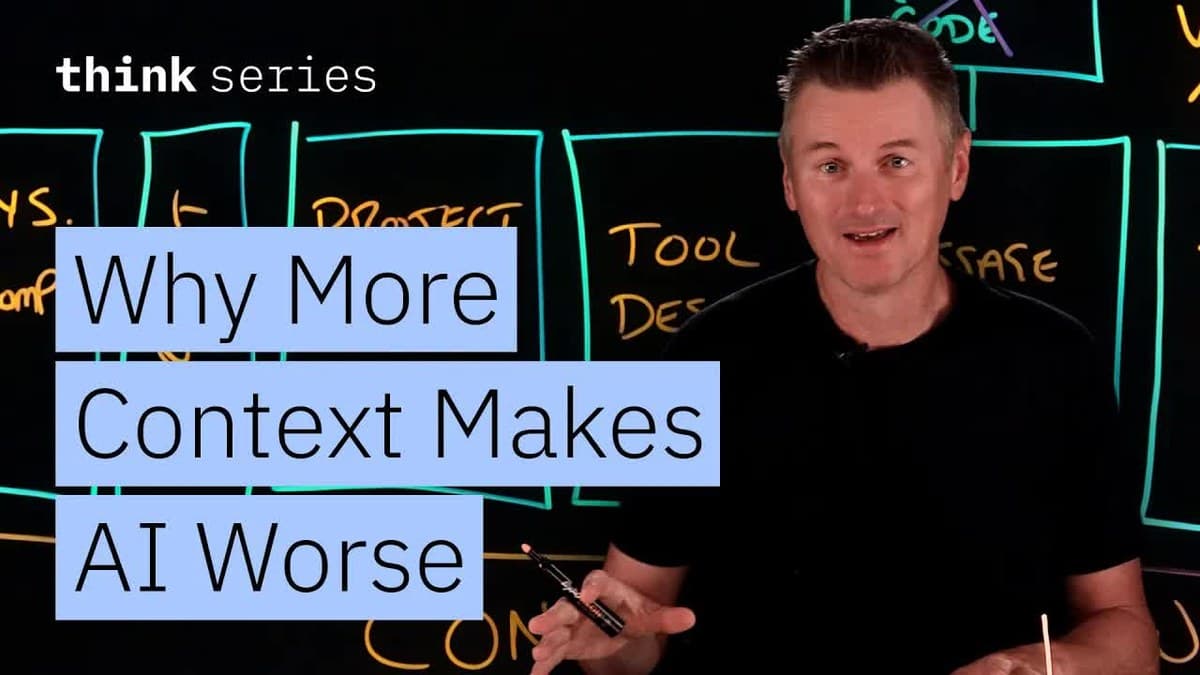
AI models can now hold huge amounts of text in their working memory, but in a video from IBM Technology, Martin Keen explains why that does not automatically make AI agents better. His main point is that an agent often gets better at long tasks when it has less information to keep track of. You will learn what the context window and context engineering are, the four failure modes in the working memory (poisoning, distraction, confusion and clash), and how each problem is fixed by checking conclusions before they are saved (validating), shortening the history (compacting), picking out fewer tools (curating) or deleting outdated information (pruning).
1. The context window: the AI's working memory
The context window is all the text an AI model can take into account at once, a bit like a working memory. 0:00 An AI agent is an AI program that does not just answer one question, but carries out many tasks one after another on its own to reach a goal, for example reading files, running tests and changing code. Code is the set of instructions that tell a computer what to do. A test is a small program that checks that the code works as it should. The agent both reads from the window and adds to it.
The size is measured in tokens. A token is a small piece of text, often a word or part of a word. According to Keen, context windows have grown from a few thousand tokens to a million or more. That gives the agent room for much more, such as instructions, documents and results from tools. Tools here are programs the agent can use to do something outside itself, for example search the web, open a web page in a browser such as Chrome, or run the tests in the code.
That sounds like it should make agents better at long tasks. Keen points to a recent study of 18 frontier models, meaning the most advanced AI models available. According to him, they all became less reliable as the context window got bigger. Researchers call this "context rot", meaning the content of the window goes bad. The more tokens there are in the window, the less reliably the model uses each piece of information in it. Keen does not name the study in the video.
2. What is context engineering?
Keen calls the topic "context engineering". 1:01 It means deciding what actually goes into the context window at each step while the agent is working.
Below we explain four typical failure modes and how to fix each one. All the fixes involve deliberately throwing information away.
3. What fills up the window?
To show how the window fills up, Keen uses an example. 1:47 An AI agent has been given the job of changing an aging codebase to use a new database driver instead of the old one. A codebase is all the code in a program. A database driver is the part of the program that talks to the database where the data is stored. Keen calls it a "migration AI agent". Migration here means moving the program over to a new solution.
According to Keen, the window is made up of six parts.
- The system prompt. These are rules that always apply to the agent, whatever the task. The people who made the agent wrote them. A made-up example: "You are a helpful coding assistant. Keep your answers short."
- The task. The message from the person using the agent, saying what it should do. It is often only a couple of lines. A made-up example: "Move the code over to the new database driver."
- Project instructions. Many agent systems load files that explain how this particular project is built and works, and how the agent should work in it, such as a file called AGENTS.md. A made-up example is a line in AGENTS.md: "Run all the tests before you say you are done." You can read more about AGENTS.md here.
- Tool definitions. A description of every tool the agent can use. The description tells the agent what the tool does, so it knows when to use it. A made-up example, where run_tests is the name of the tool: "run_tests: runs the tests and shows which ones fail."
- The message history. A log of every step the agent has taken. After an hour of work, it can get very long. A made-up example: "Step 12: Opened the file database.py and changed the connection."
- Tool results. What the tools send back after the agent has used them, for example the content of a file it opened, the test results, error messages or an overview of how the database is structured. According to Keen, this is probably the largest part. A made-up example is an error message like "The connection to the database failed."
His point is that the task itself is only a few lines at the start of the window, while almost everything else is stuff the agent piles up along the way.
A note the agent wrote to itself
Along the way, the agent has also written itself a short note, so it will remember something it has found out. 3:33 The note sits in the window and says "no retry code", meaning no code is needed to retry, or try again. In the note, the agent has written down that the new driver automatically retries failed connections to the database, so the old code that did this can be deleted. The note becomes important later in the article.
4. Attention is limited
Why is a full window a problem? 4:02 Keen explains that an AI model does not look things up in the window the way a database looks up a specific row in a table. A database fetches exactly what you ask for, no matter how much else is stored. An AI model instead has to spread its attention across everything in the window. Attention here means how much weight the model gives each part of the text when it decides what to do. Keen compares the model's attention to a budget. The model only has so much attention to spread around, and the more there is in the window, the less attention each part gets. He calls this an "attention budget".
To Keen, this is the heart of the problem. The window might hold a million tokens, but the attention the model spreads across them is limited.
5. Four failure modes in the window
1. Poisoning
Keen calls the first failure mode "context poisoning". 4:35 It turns out that the "no retry code" note from part 3 is wrong. The agent only skimmed the documentation for the new driver, misread it and wrote down a false conclusion. According to Keen, that is all poisoning is. A mistake gets into the window and is treated as fact, because to the AI model its own notes look like the truth. In the example, the agent has therefore deleted the code that retries the connection in several files in the project. That code worked and was still needed.
2. Distraction
The second failure mode is distraction, which Keen calls "context distraction". 5:18 This is when the sheer size of the history starts steering the agent. The AI model behind the agent is a language model, the type of AI used in services such as ChatGPT, which has learned language from huge amounts of text. Keen explains that a language model is, at its heart, a pattern continuation machine, which means it carries on the patterns it sees in the text.
When the window holds an hour of the agent's own past actions, that history becomes the strongest pattern around. According to Keen, it can become stronger than what the model learned when it was made. Instead of asking what the job needs next, the model may drift into doing more of what it has already done. The agent can then repeat the same steps and make no progress.
3. Confusion
The third failure mode, "context confusion", comes from the tools. 6:00 The agent in the example is connected to many tools and systems. There is probably some version control, there might be access to a database, and maybe it also logs tasks in a ticketing system, a system for registering cases and tasks. Version control is a system that keeps track of every change to the code.
Every tool definition sits in the window whether the tool is used or not. The more tools there are, the harder it becomes to pick the right one. Keen mentions a benchmark, a standard test, where a model failed a task when it was offered 46 tools, but passed the very same task with 19 tools. He calls this "tool sprawl", meaning the number of tools grows out of control. He does not say which benchmark it was.
4. Clash
The fourth failure mode he calls "context clash". 6:53 This is when the window contains information that disagrees with itself. At some point the agent notices that no retries are happening and figures out that the note was wrong. It will probably write this into the history as well. Now both the wrong note and the correction sit in the window, and they say different things.
6. Four fixes that all remove something
Each of the four failure modes has its own fix.
Validate before writing it down
The fix for poisoning is to validate. 7:35 Before a conclusion is written into the window, the agent should check it against something real. According to Keen, one quick connection test would have stopped the agent from ever writing the "no retry code" note.
Compact the history
The fix for distraction is to compact. 7:56 When the history gets very long, the agent can make a summary of it, delete the full history and carry on from the summary.
Keen warns that compacting loses information. A summary of a summary can start to drift, like a photocopy of a photocopy. He therefore suggests moving as much as possible into separate files outside the window. The details can be kept there and pulled into the window only when they are actually needed.
Curate the tools
The fix for confusion is to curate. 8:46 The agent does not need 46 tools to change the codebase to use the new database driver. It should get the handful of tools the job calls for, and fetch others later if it actually needs them.
Prune what is out of date
The fix for clash is to prune. 9:06 When information is replaced, the old version should be deleted instead of leaving both. In the example, that means deleting the wrong note once the agent has found the mistake. According to Keen, the agent can go even further and start over in a fresh context window. There it only gets a short, corrected description of how far the job has come. The wrong information is left behind in the old window.
Key takeaways
- A bigger working memory does not make an AI agent smarter by itself. The agent can become less reliable as the memory fills up.
- The reason is that the model has limited attention. The more there is in the window, the less attention each part gets.
- The task itself is only a small part of what the agent holds in memory. Most of it is stuff the agent piles up along the way.
- Things can go wrong when the agent trusts its own wrong notes, follows its own history, has too many tools or gets information that contradicts itself.
- The fixes are to check conclusions before they are saved, shorten the history, pick out fewer tools and delete outdated information. They all involve removing something, which is why an agent can get better at long tasks by holding less in its working memory.
Sources and further reading
- IBM Technology: Context Engineering for AI Agents: 4 Failure Modes to Avoid, YouTube, October 15, 2026.
- AGENTS.md: an open format for guiding coding agents, website.