
From a photo on the table to a game in the browser
I opened the console, laid it on the table and took a photo from above.
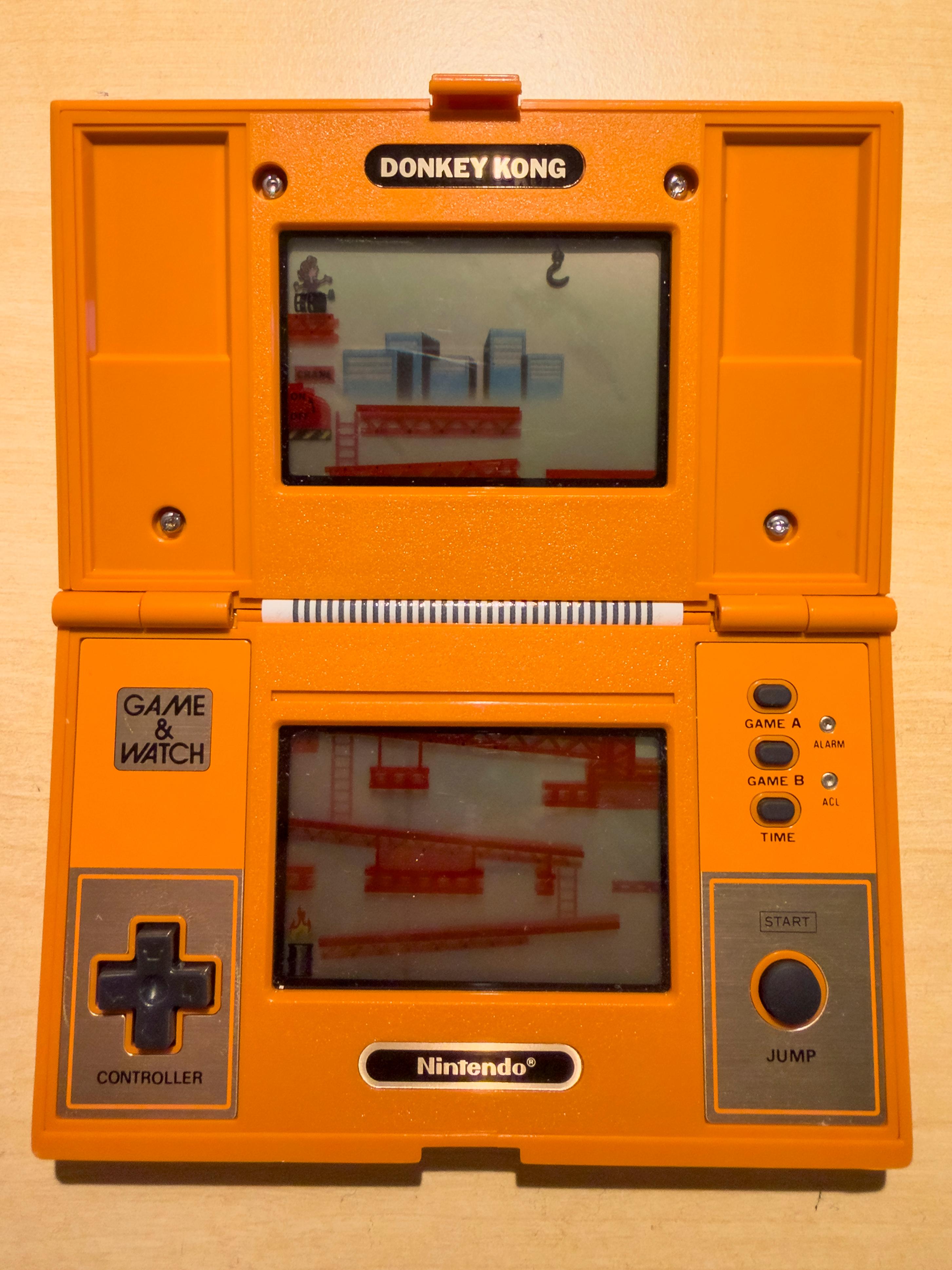
Before building anything, Codex and I looked at how the original worked. We chose MAME, an emulator that recreates the behaviour of the console’s electronics. That meant Nintendo’s original program could still control the jumps, barrels, scoring and sound. We used the original manual as a reference to understand and check how the game behaved. MAME · Original manual
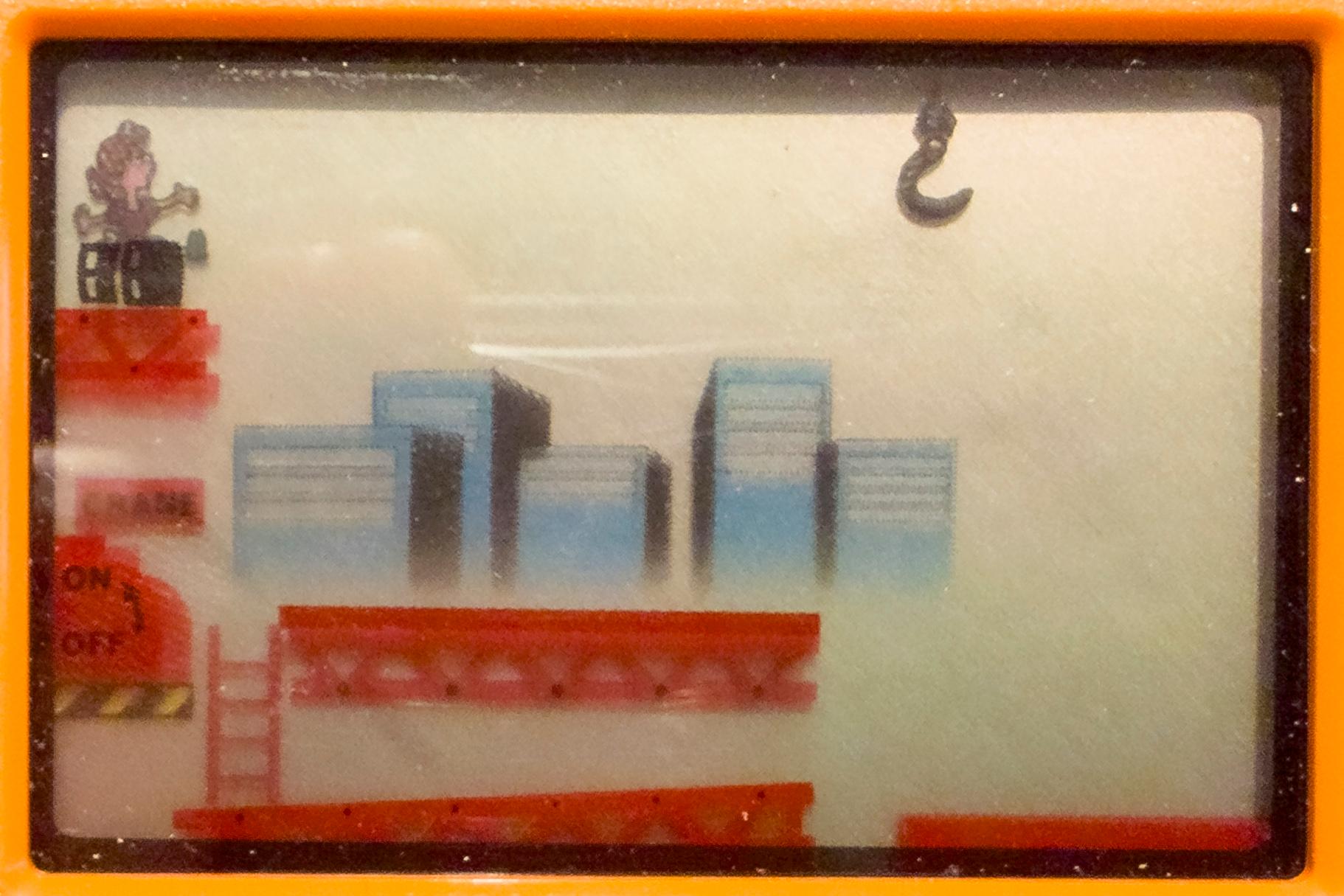
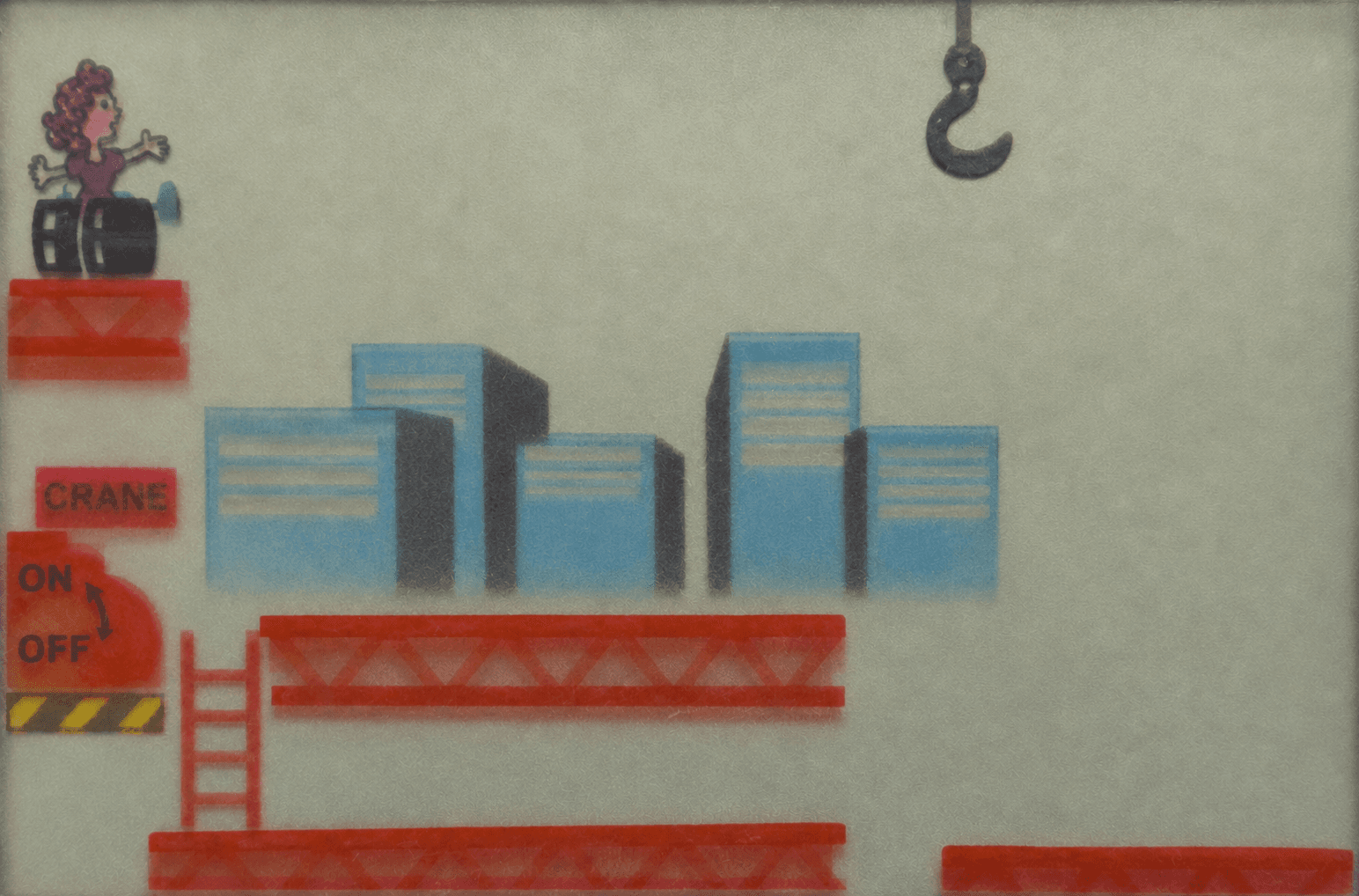
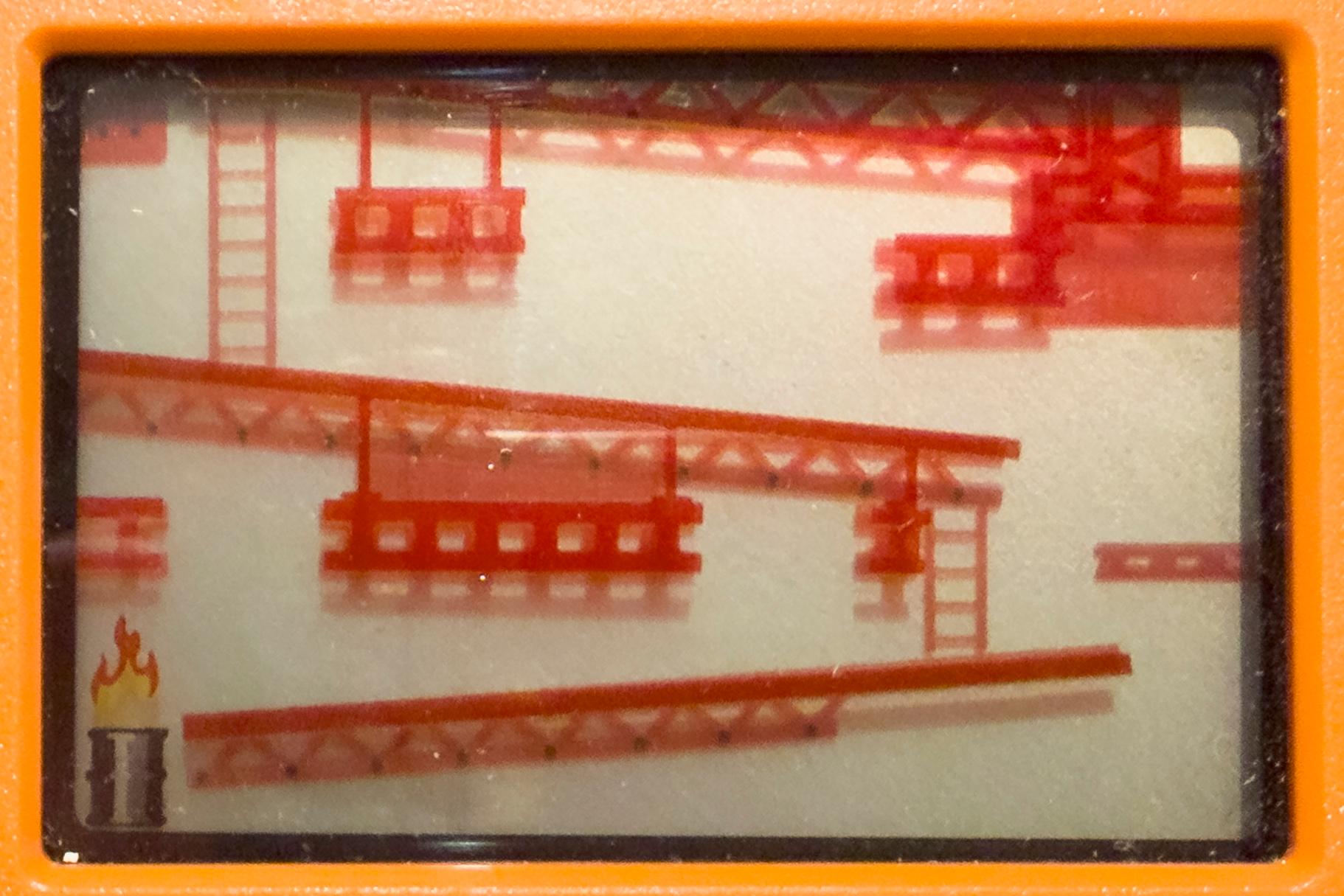
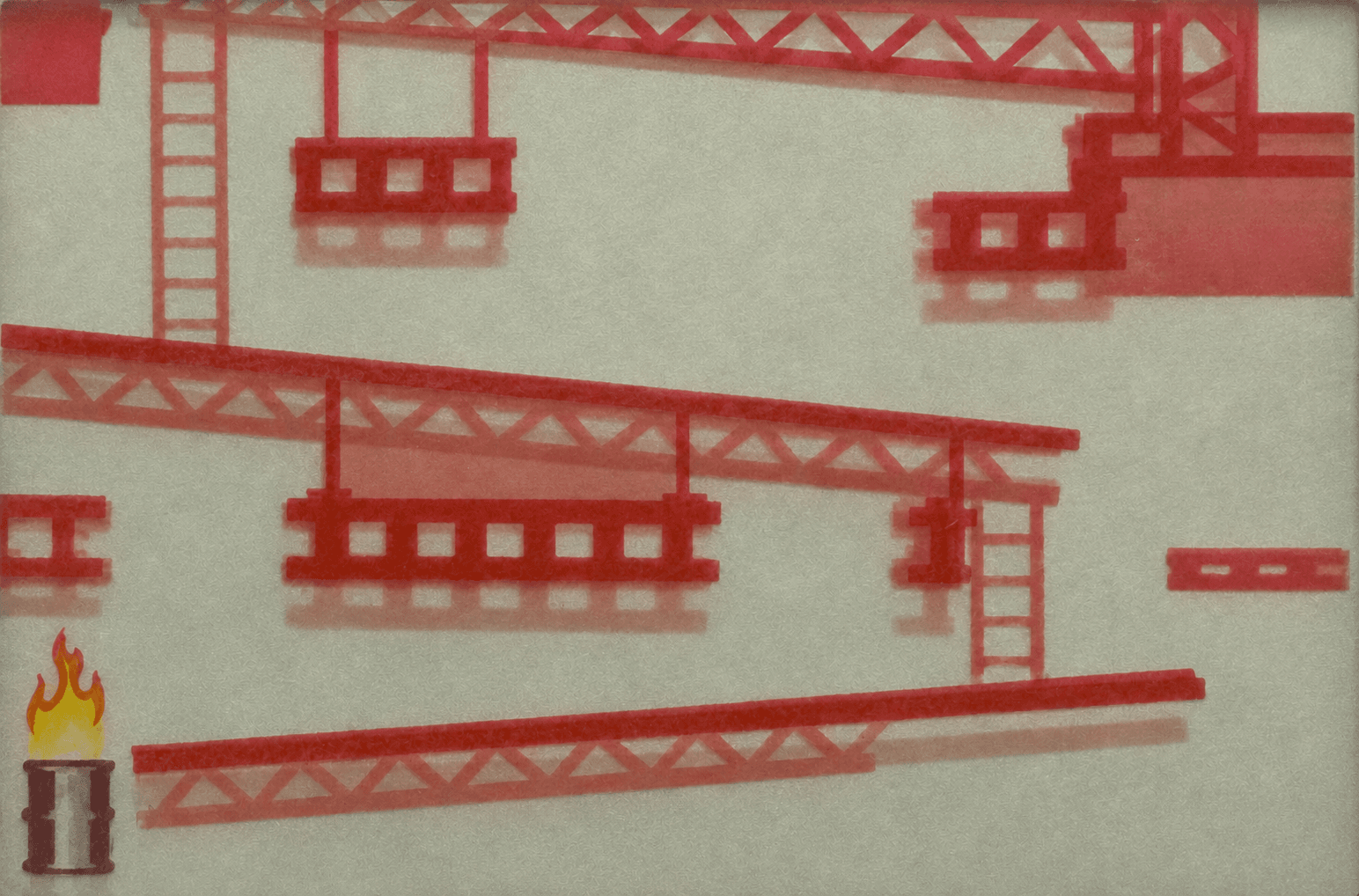
I also took a close-up of each LCD screen. Codex used the photos as references to restore the fixed backgrounds with its built-in image generator. The first attempt looked too much like an illustration. After a couple of rounds, the screens looked closer to the grey-green originals. Codex placed the backgrounds inside the screen openings in the photo. MAME then drew Mario, the barrels and the score on top using two SVG files, one for each screen. DK-52 files on Planet Emulation
Codex placed invisible touch areas over the buttons in the photo and connected them to the emulator, so you can play by touch or with a mouse. When I tried the game on my phone, the direction buttons were hard to hit. We cropped out the table so the console could appear larger and made the touch areas bigger. Playing with my thumbs still feels a bit fiddly. I think the game works best with a keyboard on a computer.